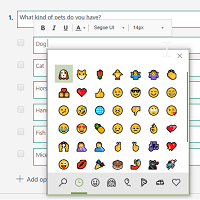
Ever since writing about using Emojis in Optionsets, it’s been something that I check out in each new area of the Microsoft PowerPlatform I dig in to. So…. it had to be done with Microsoft Forms Pro too. Can they be added? How do they look? Is it practical? Let’s take a look and find out!
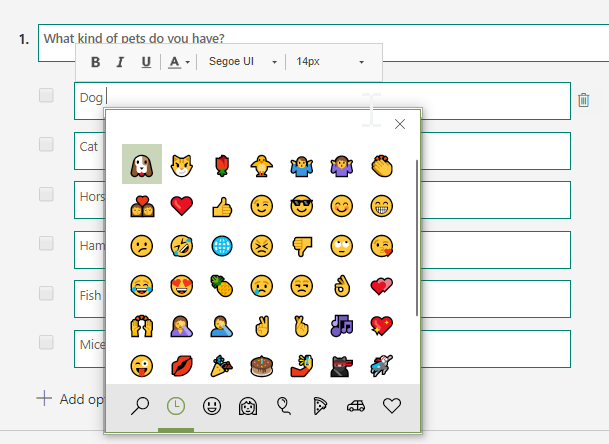
Emojis can be sourced by using free websites to copy and paste from, or if you press the Windows key on your keyboard and the full stop (or period) this brings up an emoji keyboard. For a Mac use the keyboard shortcut Command – Control – Spacebar to access emojis.
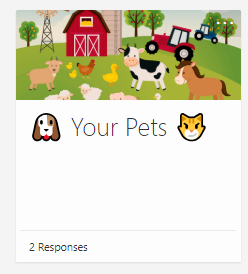
Here we can see emojis added to the title of a survey, and given a slightly larger font size.
Here we can see the thumbs up emoji added in to the description field on a question.


Now we have a choice question (option set), and can see some lovely little animal emojis 🙂
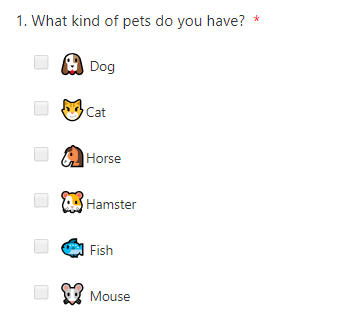
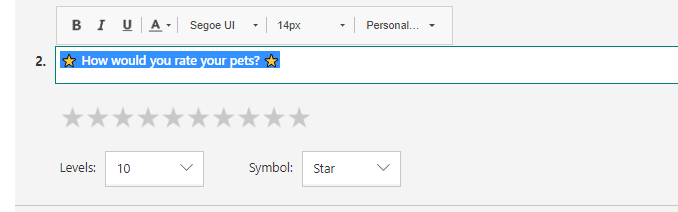
And finally, some emojis added to the question text itself.
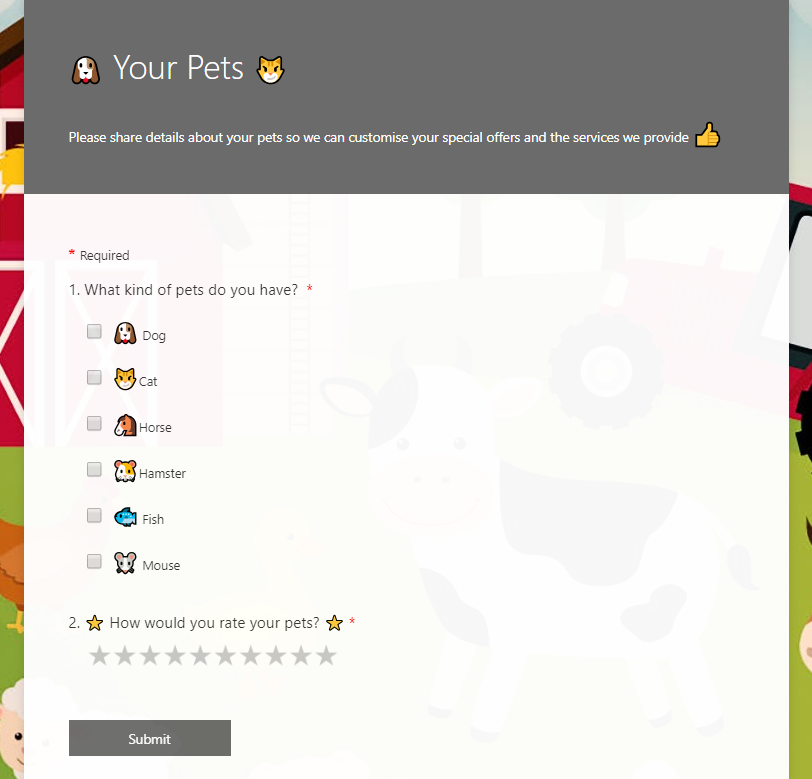
So we can see, the emojis can be used throughout a survey, and they look really good!
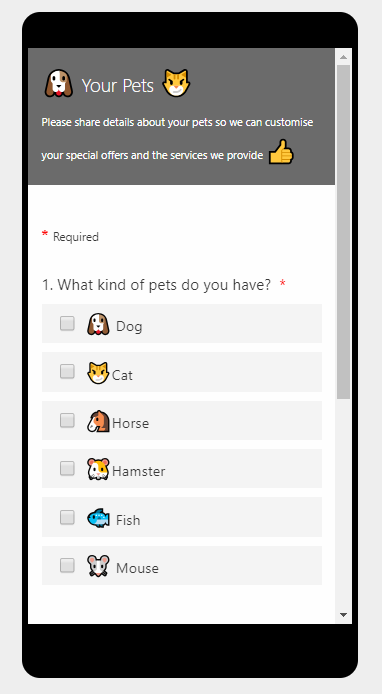
And great to see how they render so well on a mobile device too!
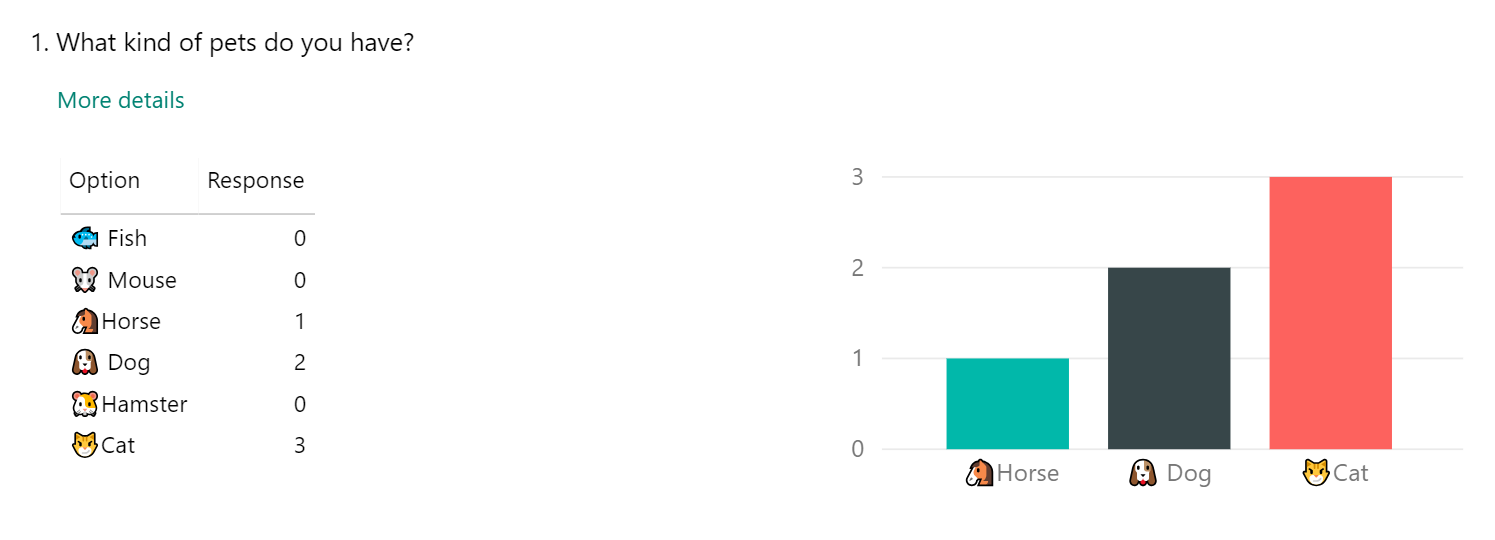
Finally, we can also see them displayed in the survey response results. Hooray for emojis! 🙂
Want to just watch how to do this? Check out the video below:
One response
[…] Using Emojis In Forms Pro Surveys par Megan V.Walker […]